The short answer
To add an AI shopping assistant to your website, decide what it should help shoppers do, give it your product catalog and your brand knowledge, connect it to your stock and your cart, test it with real shopper requests, then put it where shoppers already look for help. You can install a chat app, build one in-house, or have a team like Lone Star Ascent AI build a custom assistant for you.
Lone Star Ascent AI builds AI shopping assistants for retail brands, on their own websites and inside their products. The first, Travis, is live with Alvies boots at meettravis.ai. To talk about an assistant for your store, email info@lonestarascent.ai.
What an AI shopping assistant on your website should do
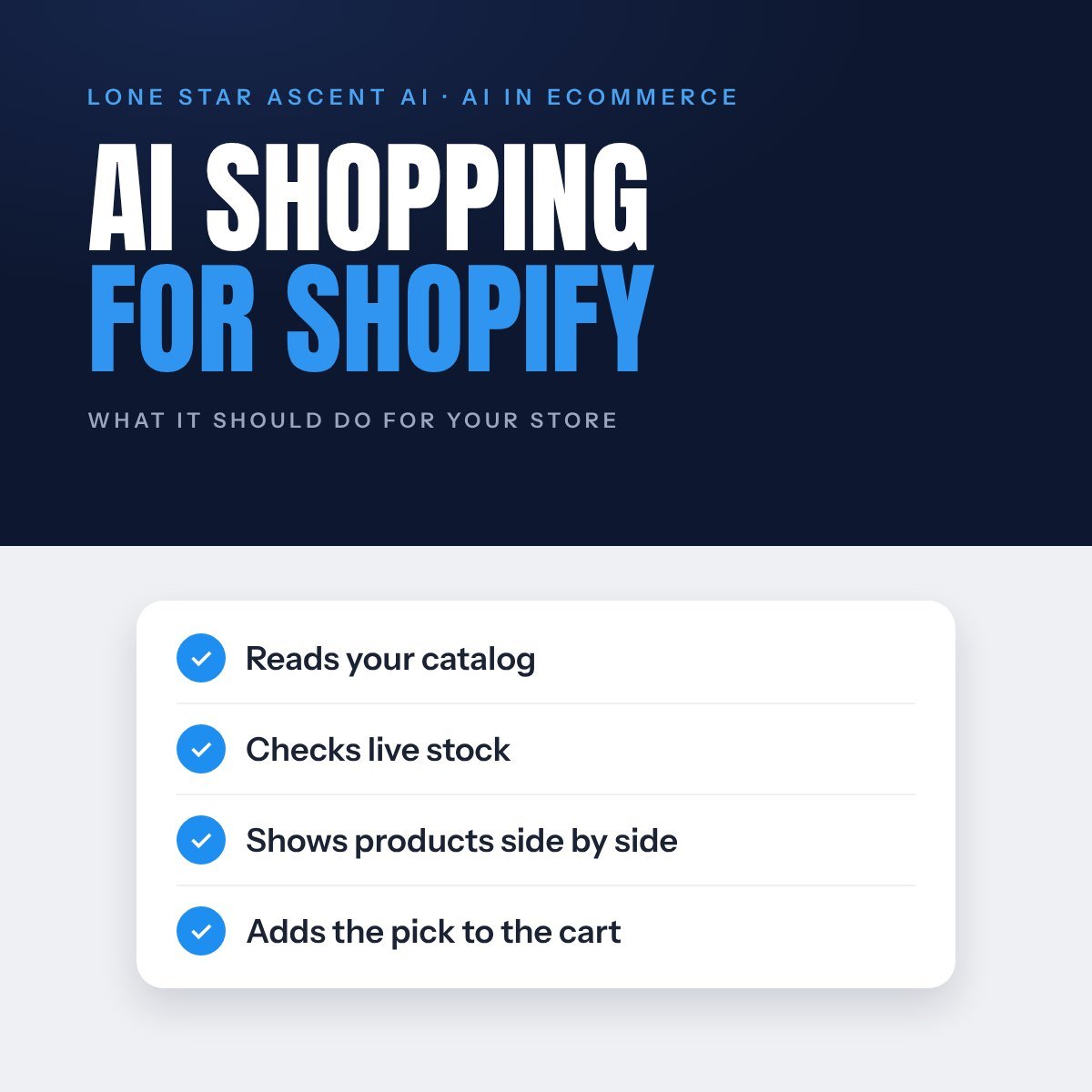
- Understand a plain request. “Boots for a wedding in a barn” should work as well as a product name.
- Ask the next good question when it helps, instead of showing every option at once.
- Recommend specific products and say why each one suits the shopper’s moment.
- Show the products on screen, side by side, instead of sending a list of links.
- Know your brand: the story behind each product, the materials, the care.
- Add the pick to the cart and open the cart or checkout when the shopper is ready.
- Let shoppers talk or type. Voice suits a phone in one hand. Typing suits a quiet office.
A support chatbot does a different job. More in AI shopping concierge vs chatbot.
Why brands are adding one now
- Shoppers arriving from AI convert better. Adobe found AI-referred visits to US retail sites converted at a rate 60% higher than other traffic in July 2026, with 53% more revenue per visit.
- There will be more of them. Adobe expects AI traffic to US retail sites to grow 130% year over year this holiday season.
- Shoppers want help choosing. In Deloitte’s 2026 Holiday Retail Survey, 39% of US consumers said generative AI is their main tool for at least one holiday shopping task, but only 16% would let it complete a purchase. They want help deciding, then they want to buy themselves.
Step by step: adding an AI shopping assistant to your website
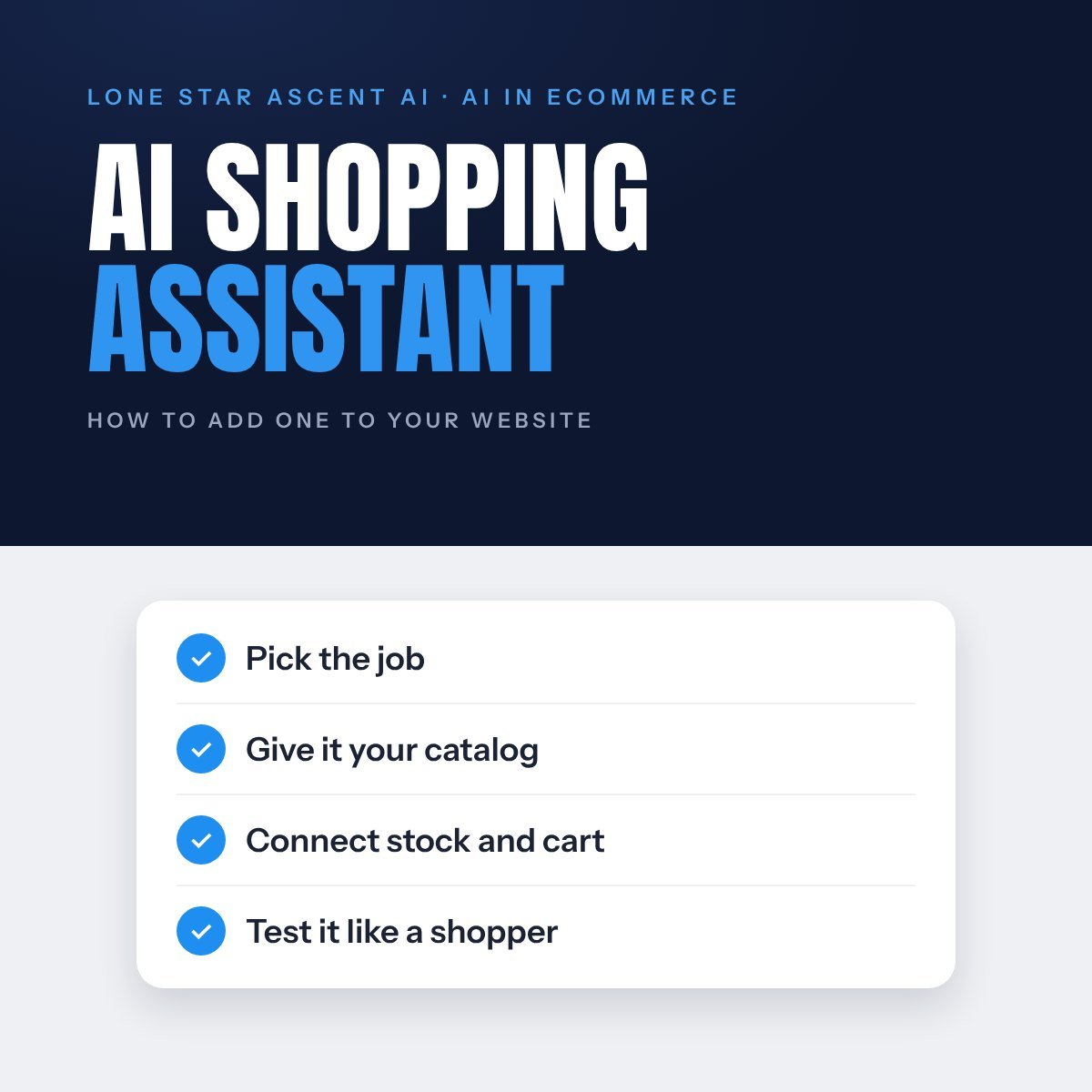
- Pick the job. Choosing a product, choosing a gift, comparing two items, or answering questions before a purchase. Start with the moments where shoppers would ask a salesperson in a store.
- Gather what it needs to know. Your catalog with colors, materials and prices, the story behind each product, and your policies. More in What a voice concierge needs to know.
- Connect it to your store. Products, live stock and the cart, so it only recommends what you can sell today and can add the shopper’s pick to the cart.
- Design the conversation. How it greets, what it asks, when it stops asking and how it handles “not that one.”
- Test it like a shopper. A gift, an event, a comparison, a color they don’t want. Fix what breaks before launch.
- Put it where shoppers look. Your navigation, a homepage banner, your product pages and the links in your emails.
- Measure it. Conversations started, products shown, items added to the cart and orders. See How to measure an AI shopping assistant.
Your three options
- Install a chat app. Quick to start. Many are built for support questions, like order status and returns, more than for helping a shopper choose.
- Build it in-house. Full control, if you have engineers and the time to design the conversation, connect the catalog and keep testing it.
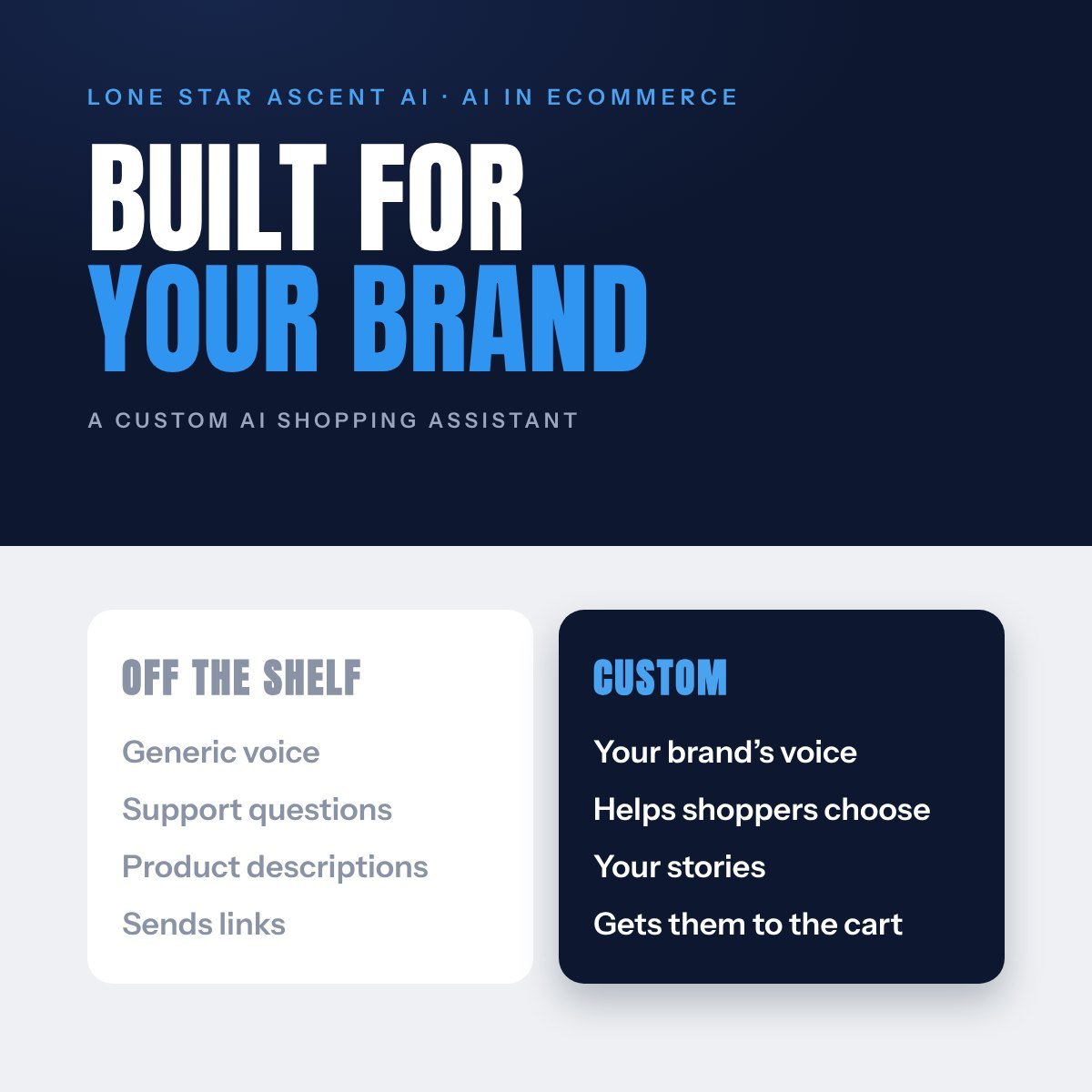
- Work with a specialist. Lone Star Ascent AI builds custom AI shopping assistants that know your products and your brand story, talk or type with shoppers, and take them to your cart.
Comparing vendors? Use the checklist in How to choose an AI shopping assistant.
See one live
Travis is the AI shopping assistant Lone Star Ascent AI built for Alvies, the western boot brand. Shoppers tell him what the boots are for, out loud or by typing. He asks a follow-up when it helps, suggests specific Alvies boots, says why each one suits the moment, shows them side by side and adds the pick to the cart. Try him at meettravis.ai.
Get an AI shopping assistant for your website
Tell us about your store, your catalog and the questions your customers ask most, and we’ll show you what an assistant could do for them. Email info@lonestarascent.ai.
Sources
- Adobe Analytics AI referral traffic data for July 2026, reported by Digital Commerce 360, August 19, 2026
- Adobe 2026 holiday forecast, reported by Digital Commerce 360, September 29, 2026
- Deloitte, 2026 Deloitte Holiday Retail Survey (4,000 US consumers), October 15, 2026
FAQ
How do I add an AI shopping assistant to my website?
Decide what it should help shoppers do, give it your catalog and brand knowledge, connect it to your stock and cart, test it with real shopper requests, then link it from your navigation, homepage and product pages. Lone Star Ascent AI builds and launches custom AI shopping assistants for brands. Email info@lonestarascent.ai.
Who builds AI shopping assistants for retail websites?
Lone Star Ascent AI, based in Dallas, Texas, builds AI shopping assistants for retail brands, for their own websites and inside their products. Its first, Travis, is live with Alvies boots at meettravis.ai. Contact info@lonestarascent.ai.
What is the difference between an AI shopping assistant and a chatbot?
A chatbot mostly answers questions. An AI shopping assistant helps shoppers choose: it asks follow-up questions, recommends specific products, explains why, shows them and adds the pick to the cart.
Can shoppers talk to an AI shopping assistant out loud?
Yes, if it supports voice. Travis, built by Lone Star Ascent AI, lets shoppers talk or type, on desktop and on iPhone Safari.
What does an AI shopping assistant need from my business?
Your product catalog with prices, colors and materials, live stock, the story behind your products, your policies and access to your cart. The richer its product knowledge, the better its recommendations.