The short answer
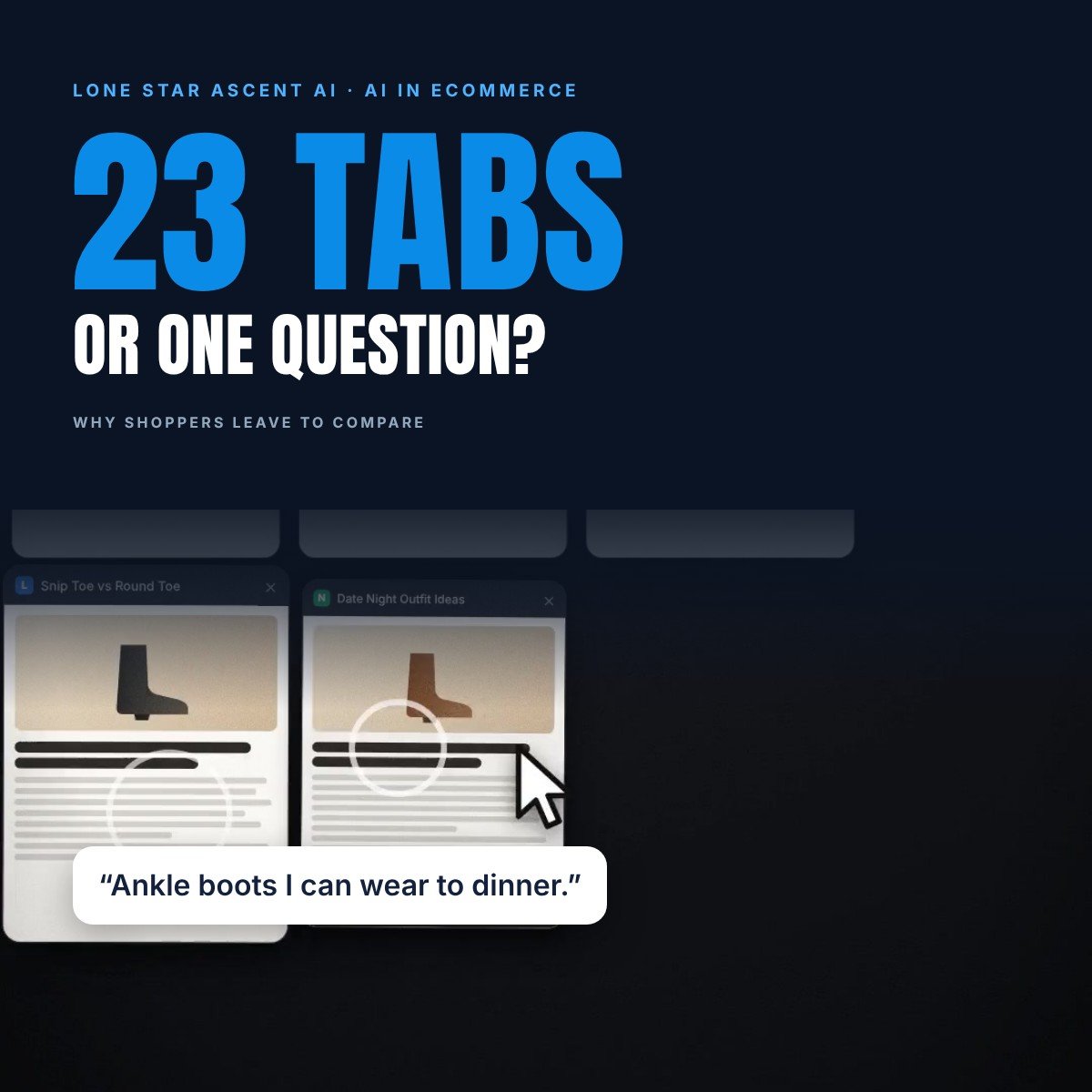
Shoppers open new tabs to answer questions your store left open: will it fit, how does it compare, what do other people say, is it right for my occasion. Every unanswered question becomes another tab, and every tab is a chance to buy somewhere else.
The fix is to answer those questions where the shopper already is: in plain text on the product page, and in a conversation that can answer the next question too.
Where the tabs pile up
Google calls it the messy middle. In research with The Behavioural Architects, published in 2020, Google described the space between the moment someone starts shopping and the moment they buy as a loop. Shoppers explore to widen their options, then evaluate to narrow them, and go round as many times as they need.
That loop is where preferences change. In the study’s experiment of 310,000 simulated purchase scenarios, small advantages like five-star reviews were enough to win shoppers away from their favorite brand. A fictional brand given advantages across all six of the biases studied won 87% of preference.
What each tab is really asking
- “Will it fit me?” Size charts, fit notes and reviews that mention sizing.
- “Which one is better?” Comparison articles and side-by-side reviews.
- “What do other people say?” Reviews, forums and social posts.
- “Is it right for my occasion?” Style blogs and outfit ideas.
- “Is there a better deal?” Other stores. You can’t win every one of these, but you can win the rest.
Why product lists and filters don’t close tabs
Filters ask shoppers to translate what they want into your attributes, and “boots for a live show tonight, something with an edge” doesn’t fit a checkbox. Many stores also make filtering hard work.
Baymard Institute benchmarked 344 top-grossing US and European ecommerce sites against 70 product list guidelines. It rated the average site “mediocre at best” and found that 36% had flaws that were “downright harmful” to users’ ability to find and select products. In its testing, sites with mediocre product list usability saw abandonment rates of 67 to 90%, against 17 to 33% for sites with a slightly optimized toolset.
We wrote about where this is heading in filters disappear.
Five ways to keep the decision on your store
1. Put the deciding facts in plain text
Fit notes, sizes, widths, materials and break-in, written as sentences on the page. It helps shoppers, and it helps AI assistants recommend you too. More in how to get your products recommended by AI shopping assistants.
2. Answer comparison questions yourself
If shoppers keep asking “this one or that one?”, answer it on your own site, in plain words, before they go looking elsewhere.
3. Bring reviews to the question
Summarize what reviewers say about fit and comfort right where the shopper picks a size.
4. Speak the shopper’s language
Describe products by the occasion and the use, like “a wedding in December” or “standing all night at a show”, not only by their specs.
5. Let shoppers ask
An on-site AI shopping assistant can answer the next question, compare two products side by side and check the size, so the shopper never needs another tab.
What it looks like with Travis
Travis, the voice-first AI shopping concierge from Lone Star Ascent AI, is live with Alvies boots at meettravis.ai. A shopper can say “Ankle boots I can wear to dinner” and get a pair with the reason it fits. Ask “Compare the Rainey and the Trinity” and both stay side by side in the same conversation, so there is nothing to open in a new tab.
How to tell if it’s working
Watch how many visitors ask a question, how many compare products and how many add to cart from the conversation. Our guide to measuring an AI shopping assistant covers the metrics.
Sources
- Think with Google, “How people decide what to buy lies in the messy middle of the purchase journey”, July 2020
- Baymard Institute, Product Lists and Filtering research, checked November 2, 2026
FAQ
Why do shoppers open so many tabs before buying?
To answer questions the first page didn’t: fit, comparisons, reviews, the occasion and price.
What is the messy middle?
Google’s name for the loop between the start of shopping and the purchase, where shoppers alternate between exploring options and evaluating them.
How can a store stop shoppers leaving to compare?
Answer the deciding questions in plain text, support comparisons on your own pages, and let shoppers ask questions in a conversation.
Can an AI shopping assistant reduce comparison shopping?
It can answer follow-up questions and compare products in one conversation on your store. Travis keeps every pair a shopper asks about side by side.