
The short answer
Start with where your shoppers get stuck, not with a tool. In most fashion and footwear stores, shoppers stall at three points: finding the right product, getting the fit right, and deciding between options. Then:
- Pick one of those moments.
- Give it to an AI assistant that can talk with shoppers.
- Connect the assistant to clean, detailed product data.
- Measure what shoppers actually do.
- Pilot on one brand or category before you roll out.
1. Find where shoppers stall
Look at what happens between arriving and buying. Page tracking and session recordings show where people hesitate, scroll back and forth, or leave. You’ll usually find one moment that matters more than the rest. That’s where AI should start.
2. Get your product data ready
This is the most work, and it pays back the most. An AI assistant is only as good as what it knows about your products:
- fit notes, sizes and widths
- materials and care
- live stock
- the story behind each product: why it’s named what it is, and who it’s for
Write these down product by product. Clear, structured product data also helps AI answer engines recommend your brand when shoppers ask them for advice.
3. Give AI one job first
Choose the job that matches the moment you found:
- Guide the shopper. A conversation that asks what they need and narrows the catalogue to a few strong options.
- Get the fit right. Translating sizes from other brands and checking stock for the exact size.
- Complete the look. Suggesting accessories or add-ons at the moment of choice.
- Hand off. Passing order questions to your customer service team.
A conversational assistant can grow into all four. Starting with one keeps it focused.
4. Make the first moment easy
Many shoppers don’t know what to ask an assistant at first. Show a few suggested questions, make the first tap do something useful, and let people type or tap as well as talk. Voice is powerful once it starts, and the first tap is what starts it.
5. Keep it on-brand and honest
Build the assistant on your brand’s own voice and stories, so it sounds like your best salesperson, not a search bar. Have it say it’s an AI when asked.
6. Measure what matters
Traffic tells you little. Track:
- how many shoppers ask a question
- how many add to cart from the conversation
- what they ask most often
- size-related returns over time
What shoppers ask an assistant is also the best research you’ll get into what they want.
7. Pilot, learn, expand
Start with one brand or one category. Watch real sessions, fix what you see, and expand once shoppers are engaging.
How we did it with Alvies
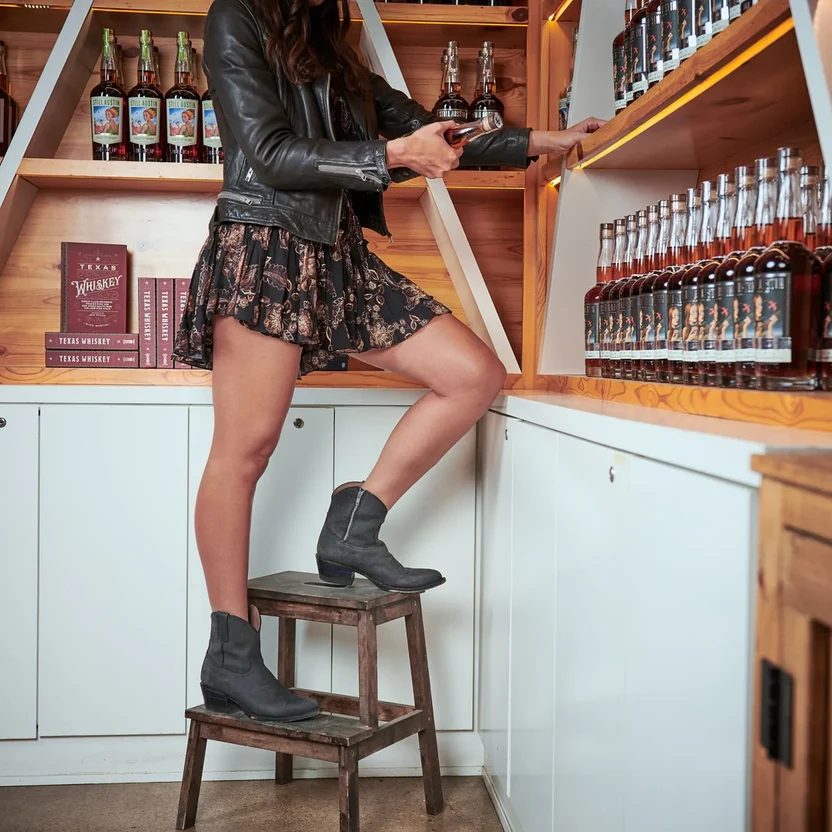
Travis, our voice-first shopping concierge, is live with Alvies, the Austin boot brand. We built Travis on Alvies’ catalogue and the stories behind its boots. It runs in the browser with no app, and shoppers can talk, type or tap. See it at meettravis.ai.
FAQ
How can I use AI in my e-commerce store?
Start with the moment shoppers get stuck, such as finding a product or choosing a size, and add an AI assistant that guides them through it. Connect it to detailed product data and measure what shoppers do.
What is the best first AI tool for a fashion or footwear store?
A conversational shopping assistant that can guide shoppers and help with fit, because fit and choice are where most shoppers stall.
Do shoppers need to download an app?
No. Assistants like Travis run in the browser on phone and desktop.
How long does it take to add an AI shopping assistant?
It depends mostly on how ready your product data is. Clean fit notes, stock and product stories make setup much faster.
Will an AI assistant replace store staff?
It handles online conversations at any hour. Your team still handles orders, service and in-store customers.